 由 sion932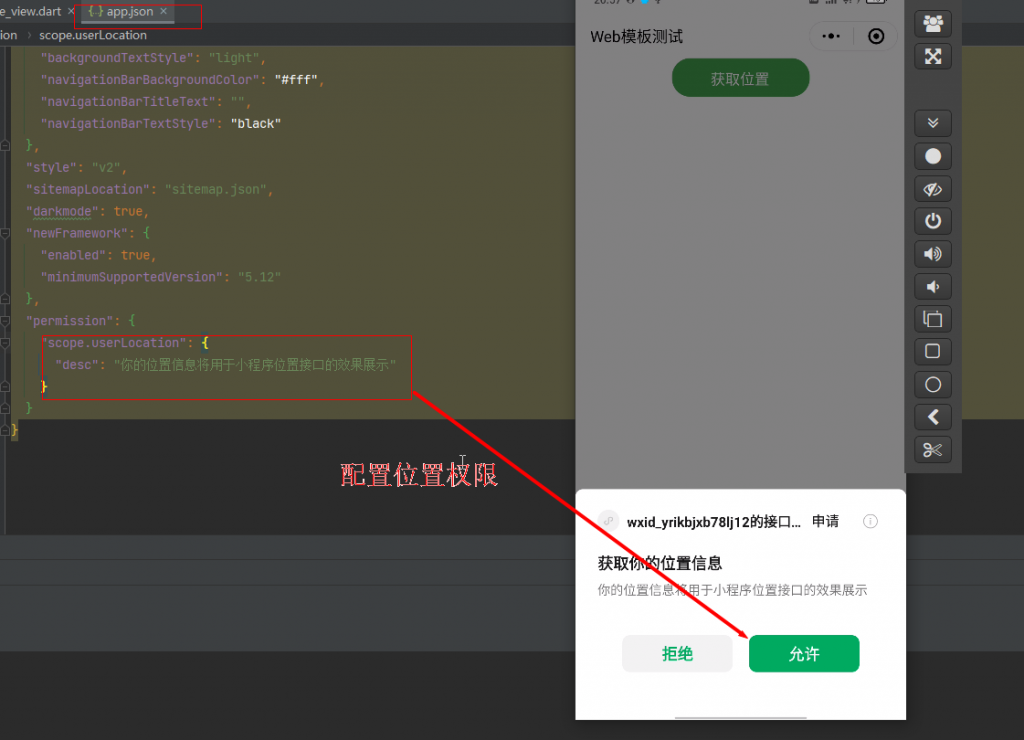
获取位置:
官方文档地址:https://developers.weixin.qq.com/minigame/dev/api/location/wx.getLocation.html
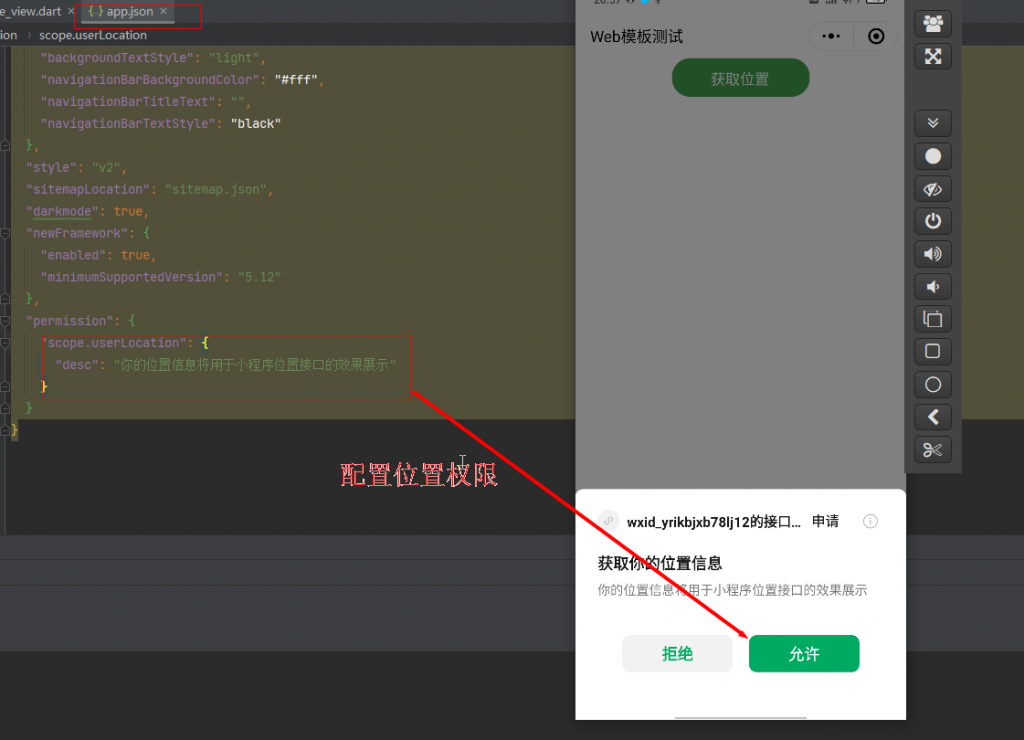
///获取位置信息
                UniversalMiniProgramApi.uni.getLocation(GetLocationOption()
                  ..setValues(
                    //拒绝调用
                    fail: (info) {
                      //清空缓存
                      UniversalMiniProgramApi.uni.clearStorage();
                      print('获取位置失败');
                    },
                    //调用成功
                    success: (info) async {
                      print(info);
                      //维度
                      var latitude = await info.latitude;
                      //经度
                      var longitude = await info.longitude;
                      //速度
                      var speed = await info.speed;
                      //精确度
                      var accuracy = await info.accuracy;
                      //高度
                      // var altitude = await info.altitude;
                      //垂直精度
                      var verticalAccuracy = await info.verticalAccuracy;
                      //水平精度
                      var horizontalAccuracy = await info.horizontalAccuracy;
                      print(
                          '纬度:$latitude,经度:$longitude,速度:$speed,准确性:$accuracy,垂直精度:$verticalAccuracy,水平精度:$horizontalAccuracy');
                      //纬度:32.643796,经度:112.238522,速度:0,准确性:15,垂直精度:0,水平精度:15
                    },
                  ));
界面交互:
官网Api地址:https://developers.weixin.qq.com/minigame/dev/api/ui/interaction/wx.showToast.html
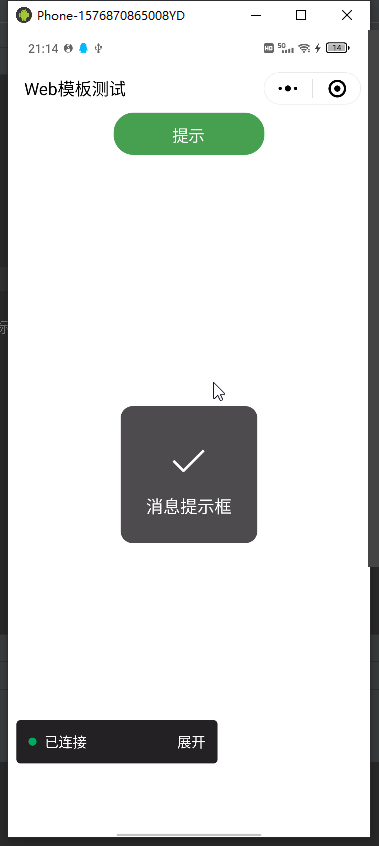
///消息提示框
                UniversalMiniProgramApi.uni.showToast(ShowToastOption()
                  ..setValues(
                    title: '消息提示框',
                    //icon:success=>成功 loading=>加载 error=>错误 none=>无图标
                    icon: 'success',
                    duration: 2000,
                  ));
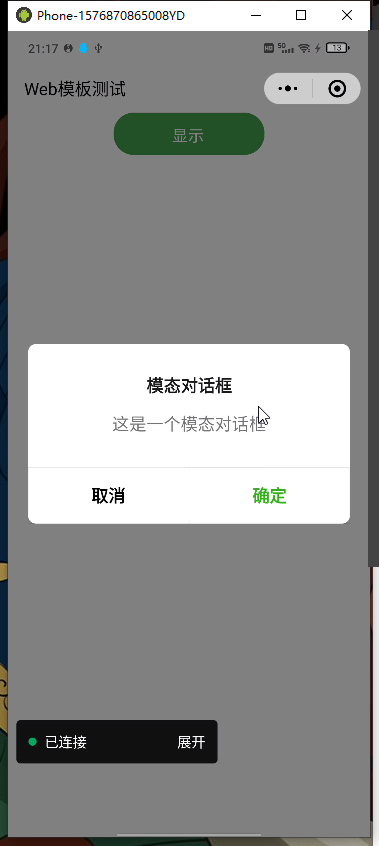
///模态对话框
UniversalMiniProgramApi.uni.showModal(ShowModalOption()
..setValues(
title: '模态对话框',
content: '这是一个模态对话框',
showCancel: true,
cancelText: '取消',
cancelColor: '#000000',
confirmText: '确定',
confirmColor: '#3CC51F',
success: (res) async {
if (await res.confirm) {
print('用户点击确定');
} else if (await res.cancel) {
print('用户点击取消');
}
},
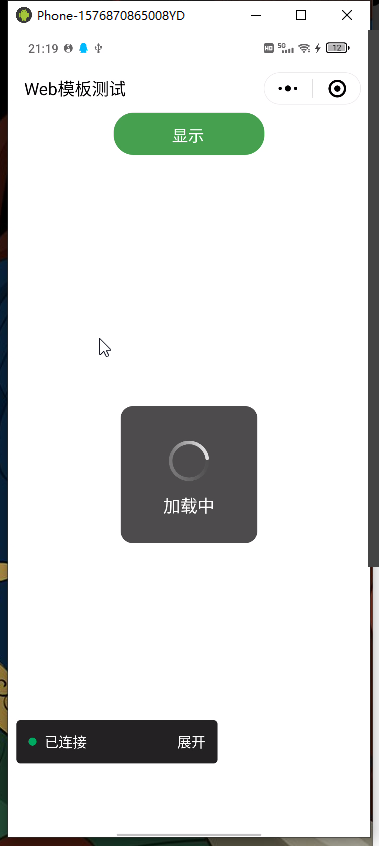
)); ///显示加载框
UniversalMiniProgramApi.uni.showLoading(ShowLoadingOption()
..setValues(
title: '加载中',
mask: true,
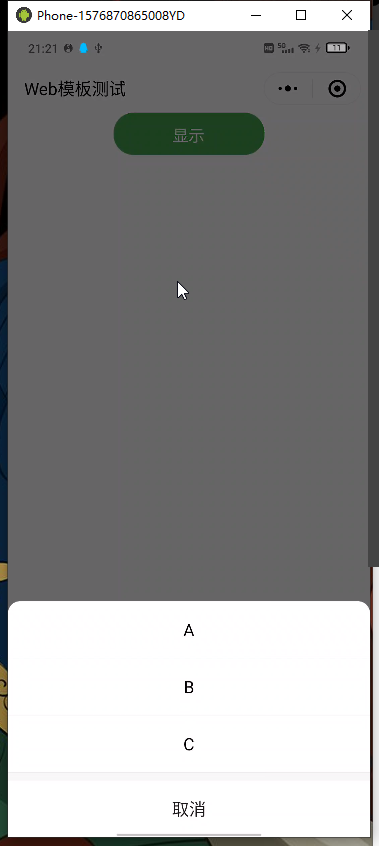
)); ///显示操作菜单
UniversalMiniProgramApi.uni
.showActionSheet(ShowActionSheetOption()
..setValues(
itemList: ['A', 'B', 'C'],
itemColor: '#000000',
success: (res) async {
//打印用户点击的按钮序号从0开始
print(await res.tapIndex);
},
));